Zoho Implementation Complete Guide for Dubai and UAE Businesses
Professional Zoho implementation guidance for businesses that want clearer sales, finance, HR, support, projects and automation workflows.
Zoho Implementation Complete Guide for Dubai and UAE Businesses
Use this guide to understand scope, sequencing, adoption and the right Zoho apps before rollout.
This guide focuses on complete implementation planning for Dubai and UAE businesses evaluating Zoho. For a broader implementation discussion, review ANSI Technologies Zoho Solution Services.
Why this Zoho decision matters
Dubai and UAE businesses often need Zoho to cover multiple functions at once: sales, finance, HR, projects, support, automation and reporting. Without a structured plan, the project can become too broad and difficult to adopt.
Zoho can support sales, finance, projects, HR, support, analytics, workflow automation and custom applications. The value does not come from activating many apps quickly. The value comes from designing the right operating flow, cleaning the data, assigning ownership, configuring roles, training users and creating management dashboards that become part of normal business reviews.
For most growing businesses, the strongest Zoho roadmap connects Zoho CRM, Zoho Books, Zoho Projects, Zoho Desk, Zoho One. The exact mix depends on your operating model, but the design principle stays the same: every app must have a clear purpose, a process owner, clean input data, useful output reports and a support model after go-live.
Process-first design
Start by documenting how leads, quotations, invoices, projects, tickets, approvals and reports should move through the business. This prevents Zoho from becoming a digital version of existing confusion.
Clean data ownership
Identify who owns customers, items, price lists, employee records, finance masters, project templates, support categories and dashboards. Data ownership protects reporting quality.
Adoption and governance
Define project owners, testing users, training approach, acceptance criteria, post go-live support and monthly improvement reviews before configuration begins.
How to map Zoho applications to business functions
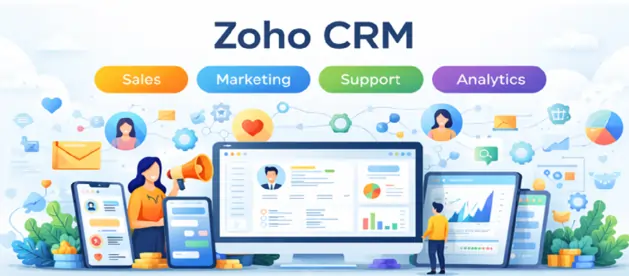
A complete Zoho plan should map each application to a business function and a measurable outcome. Zoho CRM Services support sales visibility, lead tracking and pipeline governance. Zoho Books Services support billing, invoicing and finance visibility. Zoho Projects Services support project planning, timesheets and delivery tracking. Zoho Desk Support Services support tickets, SLAs and helpdesk automation.
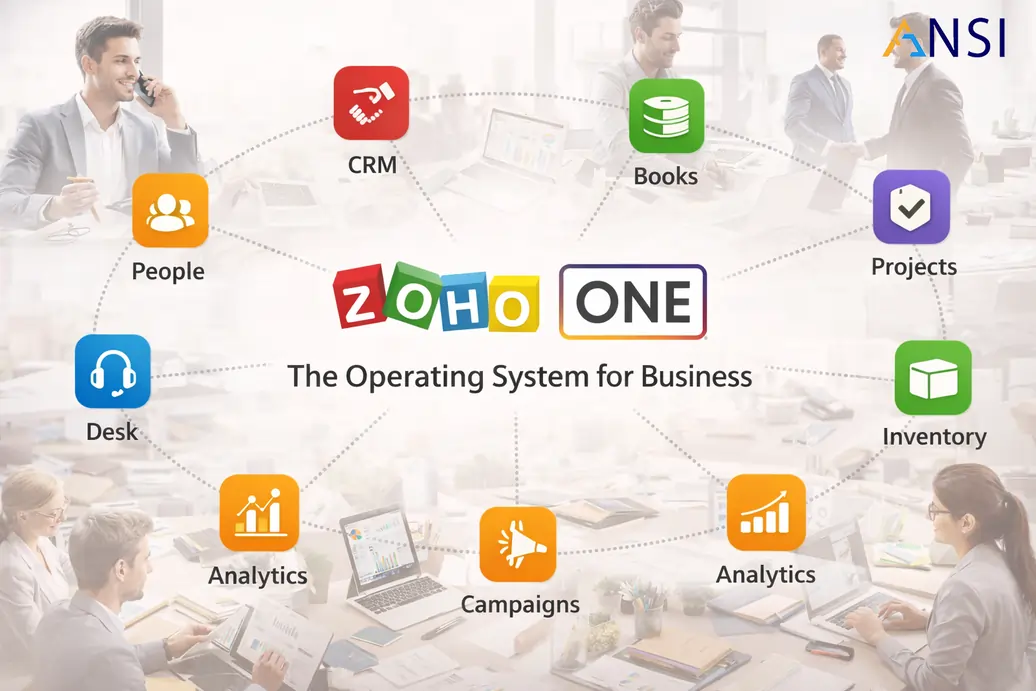
If the company wants a wider operating platform, Zoho One Services can connect CRM, finance, HR, projects and support. For planning, rollout, customization, automation and support, ANSI Technologies provides end-to-end Zoho Solution Services.
Decision framework before implementation
| Area | Questions to answer | Why it matters |
|---|---|---|
| Scope | Which teams, apps and workflows must be included in phase one? | Clear scope prevents app overload, delayed go-live and avoidable change requests. |
| Process design | Are current workflows documented and approved by business owners? | Zoho should improve the operating model, not simply replicate manual steps. |
| Data migration | Which spreadsheets, legacy records and customer lists need cleaning before import? | Poor migration creates duplicate customers, unreliable reports and user frustration. |
| Integrations | What should connect with websites, email, WhatsApp, payments, ERP or accounting? | Integration gaps create manual work and break end-to-end visibility. |
| Security | What roles, permissions, approval limits and audit controls are required? | Role design protects sensitive sales, finance, HR, project and customer support data. |
| Adoption | Who will test, train, approve and own the system after go-live? | Adoption planning ensures the platform becomes part of daily operations. |
A practical rollout model
The safest Zoho rollout is usually phased. Phase one should solve a visible business pain that leadership can measure. For a sales-led company, that may be lead capture, pipeline visibility, quotation follow-up and sales dashboards. For a finance-led company, it may be billing, collections, approval flows and reporting through Zoho Books. For service businesses, it may be project delivery through Zoho Projects and customer support through Zoho Desk.
Phase 1: Discovery and operating model
Confirm business objectives, process maps, master data, app selection, security roles, reports and acceptance criteria. This phase prevents wrong configuration decisions.
Phase 2: Configuration and workflow setup
Configure modules, fields, layouts, roles, approvals, templates, automations, dashboards and required integrations. Keep customization focused and business justified.
Phase 3: Migration, UAT and go-live
Clean data, test critical flows, validate reports, conduct user acceptance testing, train teams and fix gaps before go-live. This reduces risk and increases confidence.
Phase 4: Support and continuous improvement
Monitor adoption, improve dashboards, resolve support issues, refine automations and schedule regular improvement cycles so Zoho keeps pace with the business.
Common mistakes to avoid
- Starting with apps instead of outcomes: Buying or activating multiple Zoho applications is not the same as designing a business operating model.
- Ignoring data quality: Duplicate customers, inconsistent product records and outdated spreadsheets make dashboards unreliable from day one.
- Over-customizing too early: Heavy customization before users understand standard Zoho capabilities can increase cost and maintenance risk.
- Weak role design: Poor permissions can expose sensitive CRM, finance, HR and customer support information.
- No ownership after go-live: Without process owners, users drift back to spreadsheets, WhatsApp follow-ups and informal reporting.
- No service handover: If support ownership is not clear, issues after go-live can slow adoption and reduce confidence in the platform.
How ANSI Technologies supports Zoho projects
ANSI Technologies approaches Zoho as a connected business platform. The team can support discovery, roadmap planning, configuration, customization, data migration, workflow automation, integrations, user training, dashboards and post go-live support. The objective is to make Zoho useful for management and practical for users.
Depending on the project, ANSI Technologies can connect Zoho with broader requirements such as Microsoft 365, cloud hosting, websites, forms, reporting layers, managed IT support and CTO-level governance. This wider view is useful when Zoho must become part of a larger digital operating model rather than an isolated application.
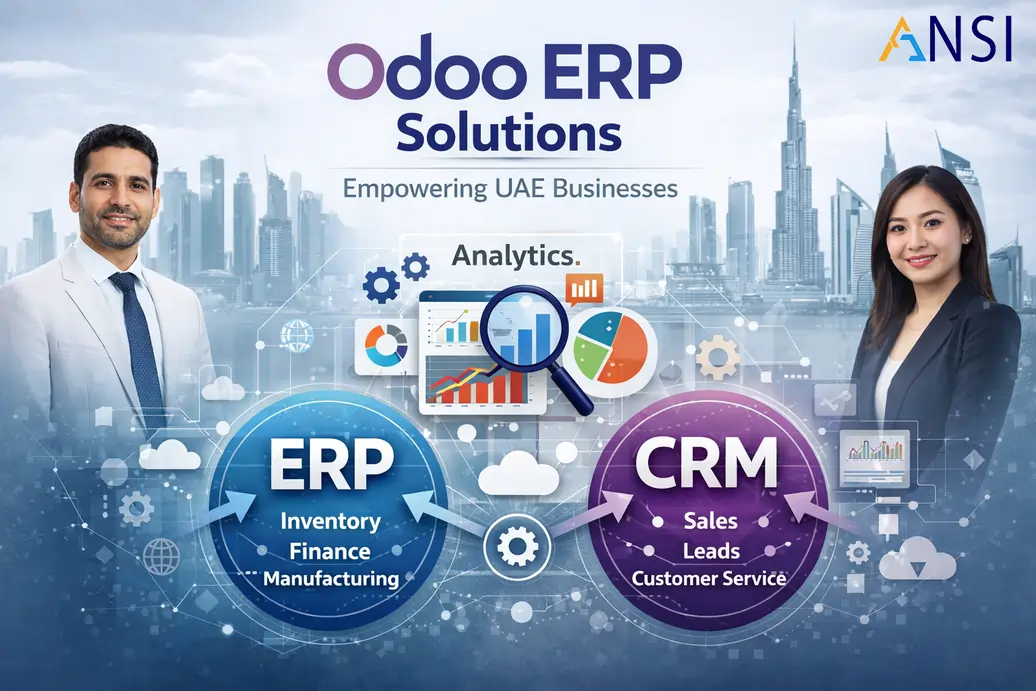
Businesses evaluating alternatives can also compare Zoho with Odoo implementation or review architecture through CTO on demand services before finalizing a major rollout.
Quality gates before Zoho go-live
Before go-live, the project team should run a simple but disciplined quality review. This should confirm that the most important records are clean, required fields are not excessive, approval rules match the business process, dashboards are understandable and users know what they must do inside the system every day. A Zoho rollout should never depend only on a technical sign-off. It needs business sign-off from the teams that will actually use CRM, finance, projects, support and HR workflows.
The first quality gate is process validation. Business users should test common scenarios such as a new lead becoming a qualified opportunity, a quotation moving to finance, an invoice being created, a project being opened after a deal is won, or a support ticket being escalated based on SLA. These everyday flows matter more than rarely used edge cases because they decide whether users trust the system.
The second quality gate is reporting validation. Management dashboards should be checked against sample records so leaders understand what each number means. If sales reports, finance reports, project reports or support reports are not trusted, teams will return to spreadsheets. The third quality gate is support readiness. Users must know who to contact, how enhancements will be prioritized and how small improvements will be handled after go-live.
Post go-live improvement rhythm
After launch, the business should review adoption every week during the first month and then monthly after stabilization. Useful review points include inactive users, incomplete fields, delayed approvals, overdue tasks, unresolved tickets, missing project updates and dashboards that leadership does not use. These signals show where training, automation or workflow refinement is required.
A strong Zoho environment improves gradually. New automations, dashboards and integrations should be added only when the foundation is stable. This keeps the system clean and prevents unnecessary complexity.
FAQs about Zoho implementation in Dubai and UAE
Which Zoho apps should we implement first?
Start with the workflow that creates the clearest business value. Many companies begin with Zoho CRM, then connect finance through Zoho Books, project delivery through Zoho Projects and support through Zoho Desk.
Should Zoho implementation be phased?
Yes. A phased rollout is normally safer because it allows users, data, reports and workflows to stabilize before more apps and automations are added.
Can Zoho support sales, finance, projects and helpdesk together?
Yes. Zoho can connect sales, finance, project delivery and support workflows when the data model, handoff rules and reporting needs are designed properly.
How do we avoid poor adoption?
Keep the first phase focused, involve process owners early, train users on their real workflows, make dashboards part of management reviews and provide responsive post go-live support.
Can ANSI Technologies provide complete Zoho support?
Yes. ANSI Technologies can support Zoho solution planning, implementation, customization, automation, integrations, reporting, training and managed support across the Zoho ecosystem.
Ownership note before moving forward
Before approving the next step, assign one business owner for the workflow, one data owner for master records and one support owner for post go-live changes. This keeps the Zoho environment controlled after implementation and avoids confusion when users request new fields, dashboards or automations.
Need a practical Zoho roadmap?
If your business is planning Zoho CRM, Zoho ERP, Zoho Books, Zoho Projects, Zoho Desk, Zoho One or Zoho automation, ANSI Technologies can help you define the right scope, rollout sequence, integrations, dashboards, training plan and support model.
Ready to build a stronger Zoho operating model?
ANSI Technologies helps businesses plan, configure, customize and support Zoho CRM, Zoho ERP, Zoho Books, Zoho HRMS, Zoho One, Zoho Projects, Zoho Desk and automation workflows with practical implementation support.
